
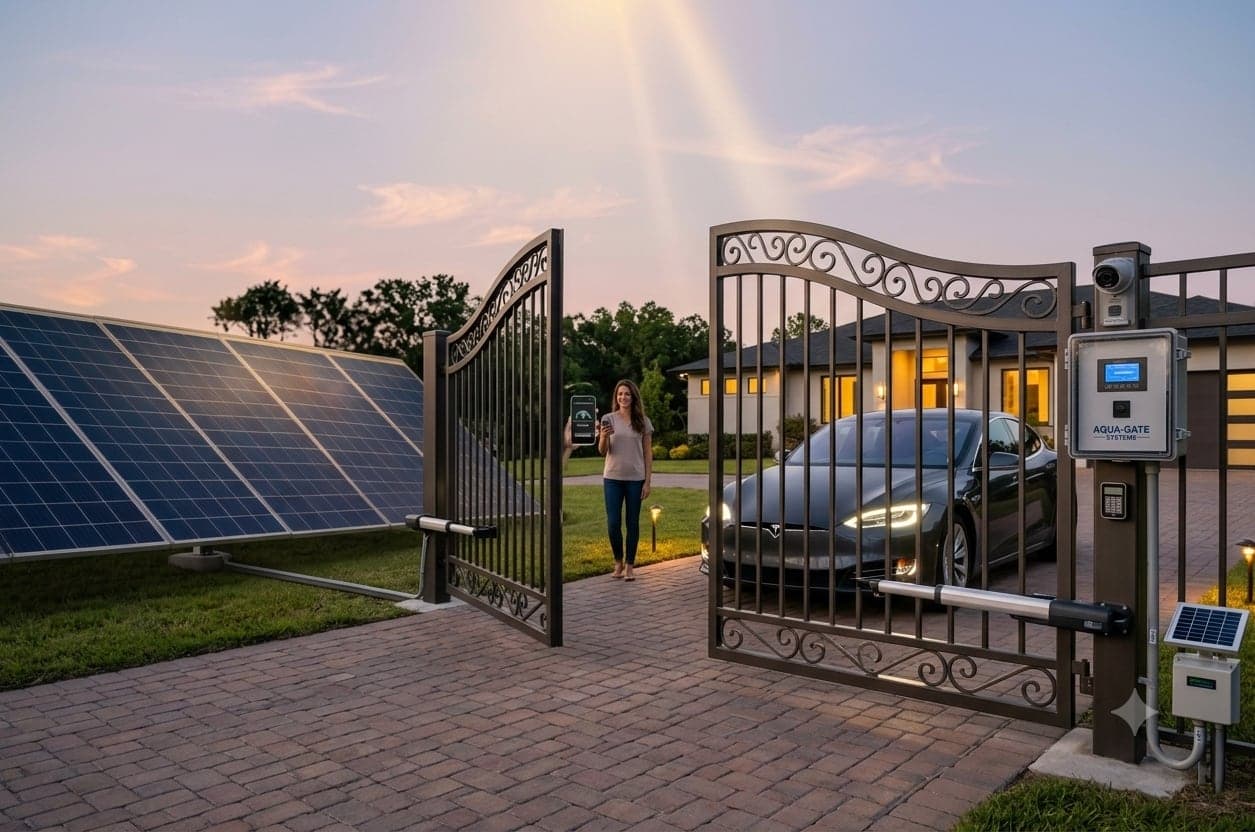
Gate automation is one of those upgrades people put off for years and then wonder why they waited. The daily friction it removes is small but relentless: getting out in the rain, unlatching, pushing, driving through, getting out again.
It is also a heavy powered object next to where children and vehicles pass, so it deserves more thought than picking the cheapest motor that fits.
Sliding or swing — space decides
A swing gate opens on hinges like a door. It is simpler and generally cheaper to automate, and it suits properties with clear room behind the entrance for the leaves to travel through their arc.
A sliding gate runs sideways along a track or on a cantilever. It is the answer when the gate opens directly onto a road, when the driveway is short, or when a parked car would foul the swing. It costs more, largely because the groundwork is more involved.
- Room behind the gate — swing is simpler and cheaper
- Opens onto a road, or a short driveway — sliding
- Uneven or sloping ground — cantilever sliding, no track to bind
- Ornamental gate, hardware to stay hidden — underground swing motors
The motor is sized against the gate, not the budget
This is where cheap installations fail. A motor has to be chosen for the gate's actual weight and for how many times a day it will run. A unit working near its limit on every cycle wears out fast, and the failure usually arrives a year or two after the installer has moved on.
It also has to be honest about the gate itself. If a gate drags, sticks or drops at the far end when pushed by hand, a motor will not fix that — it will force the problem harder and break something. A good installer will tell you the gate needs work before the automation goes on.
Safety is not an optional extra
Two features should be on every install, and it is worth checking they are in the quote rather than assuming. Photocells sit across the opening and stop or reverse the gate when the beam is broken. Obstruction detection sets the force at which the motor gives up and backs off, so a gate meets a person or a bumper and stops rather than pushing through.
Both are cheap relative to the cost of the system and neither is negotiable around children, pets or a busy entrance. If a quote does not mention them, that tells you something useful about the quote.
- Photocell beams across the opening
- Adjustable obstruction force, set and tested on site
- Soft start and soft stop so a heavy leaf does not slam
- Manual release you have actually been shown how to use
What happens when the power goes out
This is the first question most people ask, and the answer should always be reassuring. Every automated gate keeps a manual release — a key or lever that disengages the motor so the gate moves by hand.
Ask to be shown it at handover rather than reading about it later, and keep the key somewhere you can reach without going through the gate. Where outages are frequent, a battery backup in the control panel will run the gate through a normal cut, which is worth considering.
How you will open it
Remote handsets are the default and suit most homes. A keypad avoids handing out remotes to everyone. RFID tags work well for staff and regular vehicles at a business. App control adds something the others cannot: letting someone in while you are not there.
The genuinely useful upgrade is linking the gate to a video door phone or your camera system, so you can see who is asking before you open. If you already have cameras, ask whether the gate controller can be triggered from the same system rather than adding another app.
The short version
Let the space choose sliding or swing. Insist the motor is sized against a weighed gate. Treat photocells and obstruction detection as standard. Make sure the manual release is demonstrated, not just mentioned. And fix a dragging gate before automating it, rather than asking a motor to compensate.